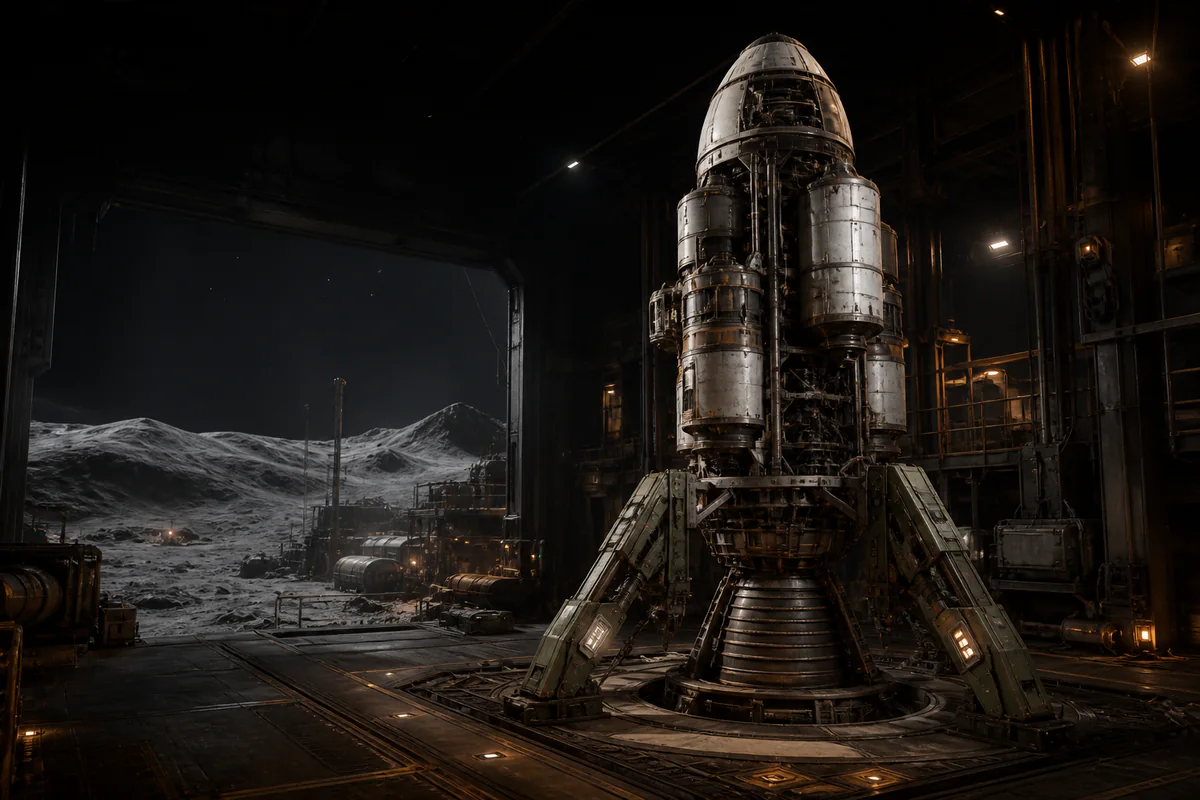
Explore all six mod records
Double Frames Mod Setup Guide
Set up Double Frames with its Components Framework dependency, then verify the added frame variants before keeping the change.
View mod detailsComponents Framework Setup Guide
Explain the recorded Components Framework role, folder, dependency check, and compatibility limits without extending its captured scope.
View mod detailsBepInEx Interop Patcher Guide
Explain the recorded startup patcher role, patchers folder, plugin separation, focused validation, and historical requirements that remain to be confirmed.
View mod detailsController Flight Mod Setup Guide
Record the MelonLoader route and exact gamepad-mod paths, then use a staged control check that keeps controller and performance claims open.
View mod detailsMorePlayers Multiplayer Mod Setup Guide
Use the recorded bundled BepInEx route, game-folder extraction, and shared participant checks without publishing unsupported multiplayer claims.
View mod detailsApproximately Up Mod Loader Setup Guide
Explain AUML's independent loader workflow, recorded installer game-location behavior, designated Mods folder, cautious validation, and open boundaries.
View mod detailsFor approximately up mods, first identify the loader and dependency chain named by the mod page, back up the game directory and saves, and install only to the recorded path; compatibility outside the captured page statement is To be confirmed. The collected material contains several records with different roles, so a file meant for one loader should not be treated as interchangeable with another. Keep each download, dependency, test result, and rollback action tied to the exact record that supplied it.
Understand the boundary of the collected Nexus material
This guide uses one collected Nexus page URL and the records preserved in that capture. It does not represent a fresh inspection of every Files tab, author page, repository, or current game build. The only named records covered here are Double Frames, Components Framework, BepInEx Interop Patcher, Native Gamepad and Controller Flight Mod, Bigger lobby mod / MorePlayers, and Approximately Up Mod Loader / AUML.
Nexus can display a scan label beside a file record, but that page label is not a guarantee of safety. Treat it as one piece of page metadata rather than proof that a file is harmless, compatible, or suitable for your machine. Preserve the downloaded archive, its origin, and your own verification result so you can investigate or remove the same artifact later.
Match each mod to its loader and dependency chain
A mod changes or adds player-facing behavior or content, while a loader discovers and starts mod files. A framework is shared code used by dependent mods, and a patcher acts earlier in a loader's startup process to repair or prepare that environment. These roles can appear in one installation chain, but they are not synonyms and should not be dropped into the same folder by guesswork.
Begin with the page for the mod you actually want, then write down every named requirement before extracting anything. Confirm which loader owns the chain, which framework or patcher it expects, and which path the captured instructions assign to each file. If the page statement does not cover your game build, operating system, loader build, or another installed mod, record that relationship as To be confirmed.
Do not assume that a BepInEx plugin will load through MelonLoader, or that an AUML package belongs in a BepInEx folder. The captured controller record names MelonLoader, the component records use BepInEx locations, and AUML describes its own loader workflow. Mixing those routes makes a failed startup difficult to attribute and can leave files behind during removal.
Read Double Frames with Components Framework together
Double Frames is the collected content mod that adds frame variants and also serves as a small reference for Components Framework. Components Framework is the shared library that lets dependent mods register new buildable spaceship components; the capture says it has no visible content on its own. That dependency relationship means installing Double Frames without its named framework is not the same setup described by the source.
The Double Frames record says to extract it with Components Framework to BepInEx/plugins/. The framework's own record gives the more specific directory BepInEx/plugins/ComponentsFramework/, which should remain intact rather than being renamed for convenience. Keep the mod archive and the framework archive distinguishable so an update or rollback does not remove the wrong files.
The framework capture limits its described support to components that reuse an existing game component type with new geometry. It does not prove that every future component mod or entirely new behavior will work, and Double Frames does not prove the framework is installed correctly for unrelated mods. After setup, verify only the expected frame addition and keep any broader compatibility claim marked To be confirmed.
Separate BepInEx patchers from ordinary plugins
BepInEx Interop Patcher is recorded as a startup patcher for an interop-generation error, not as an ordinary player-facing plugin. Its purpose is to act during BepInEx startup so the loader can proceed when the captured conflict occurs. Installing it does not add the same kind of content as Double Frames and does not replace Components Framework.
The captured instruction places its DLL in BepInEx/patchers/, while the component mod and framework belong under the plugin tree. The record also names a particular BepInEx capability as a requirement, but whether that historical requirement matches the build now available to you is To be confirmed. Check the current file instructions before choosing a loader package instead of treating the captured setup as permanently current.
Compare the captured controller, lobby, and AUML records
Native Gamepad and Controller Flight Mod is a player-facing control mod whose captured instructions name MelonLoader. They place its DLL at Approximately Up/Mods/ApproximatelyUp_GamepadMod.dll and record its settings under UserData/ApproximatelyUp_GamepadMod.json. Controller models, bindings, responsiveness, and compatibility beyond that captured description must be tested locally rather than accepted from marketing text.
Bigger lobby mod, also described in the capture as MorePlayers, follows a different route based on a bundled BepInEx setup. Its instructions extract the package into the game folder and record configuration at BepInEx/config/MorePlayers.cfg. The capture describes coordinated installation for participants, but it does not support a fixed player maximum, permanent network compatibility, or a performance guarantee.
Approximately Up Mod Loader, or AUML, is itself a loader rather than one of the two mods above. Its captured installer attempts to locate the game and describes a designated Mods folder for AUML-compatible files, but that does not make MelonLoader or BepInEx files AUML-compatible. Treat supported AUML packages, installer behavior, removal behavior, and coexistence with another loader as To be confirmed unless their own current documentation states otherwise.
Install only to documented paths and keep a rollback
Before installation, copy the game directory and saves to a location outside the live game folder, then record where each item came from. Also preserve a simple manifest of original files, added directories, loader files, patchers, plugins, and configuration files. A backup is useful only if you can identify the clean baseline and restore it without merging unknown modded files back into place.
Install one dependency chain at a time and use only its recorded directory. For the captured component chain, that means the BepInEx plugin paths; for the patcher, the patchers path; for the controller mod, the MelonLoader Mods path; and for MorePlayers, the recorded game-root package and configuration path. AUML should follow its own installer and supported-file instructions rather than being treated as another destination for those artifacts.
Verify startup, compatibility, and removal safely
First verify that the unmodified backup can start and that your saves remain visible, then test the loader without unrelated mods. Add the required patcher or framework only when the selected record calls for it, and add the target mod last. At each launch, watch for an expected mod effect, a loader or startup error, missing saves, changed controls, or multiplayer connection differences.
Compatibility is an observed result for a specific game build, loader build, dependency set, and mod set. Test a new component in a disposable build, a controller change in a low-risk flight, and a lobby change with participants who understand the same setup. A successful launch once does not establish universal or permanent compatibility, so record untested combinations as To be confirmed.
Removal should reverse the manifest: disable or remove the target mod, its unique configuration, and only the dependencies no remaining mod needs. Start again and confirm that the expected mod effect is gone, the game still reaches its normal state, and saves remain available before deleting the backup. If behavior persists, compare the live directory with the clean baseline instead of installing another tool over an uncertain state.